Code-first .mmd files
Every diagram is a plain Mermaid file in a folder. Diff it, search it, review it, and keep it in version control next to your configs.
v2.1.8 "Azimuth" · free & open source · MIT
If it isn't diagrammed, it's just a rumor.
NerdGram1337 is a free, local Mermaid editor for network diagramming. Build network diagrams from command output (CDP, LLDP, routing and ARP tables), or from CSV, JSON or Visio, keep them as a real .mmd file on disk, and export SVG, PNG, JPG or PDF.
docker pull ghcr.io/networknerd1337/nerdgram1337:latest

Paste neighbor output from
// why NerdGram
The big-name diagramming apps are great tools, perfect if your network diagram doubles as a gallery piece. NerdGram1337 is for the rest of us, who just need the map to match the network by Friday. The drawing is fine the day it's made. The pain is everything after that day: keeping it current, knowing what changed, and trusting it on a bridge call at 2 AM.
NerdGram1337 goes after that pain. The picture comes from text, the text can come from your real data, and the file stays yours.
Read the story behind it →“People don't want a better trap. They want the mice gone.”
// how it works
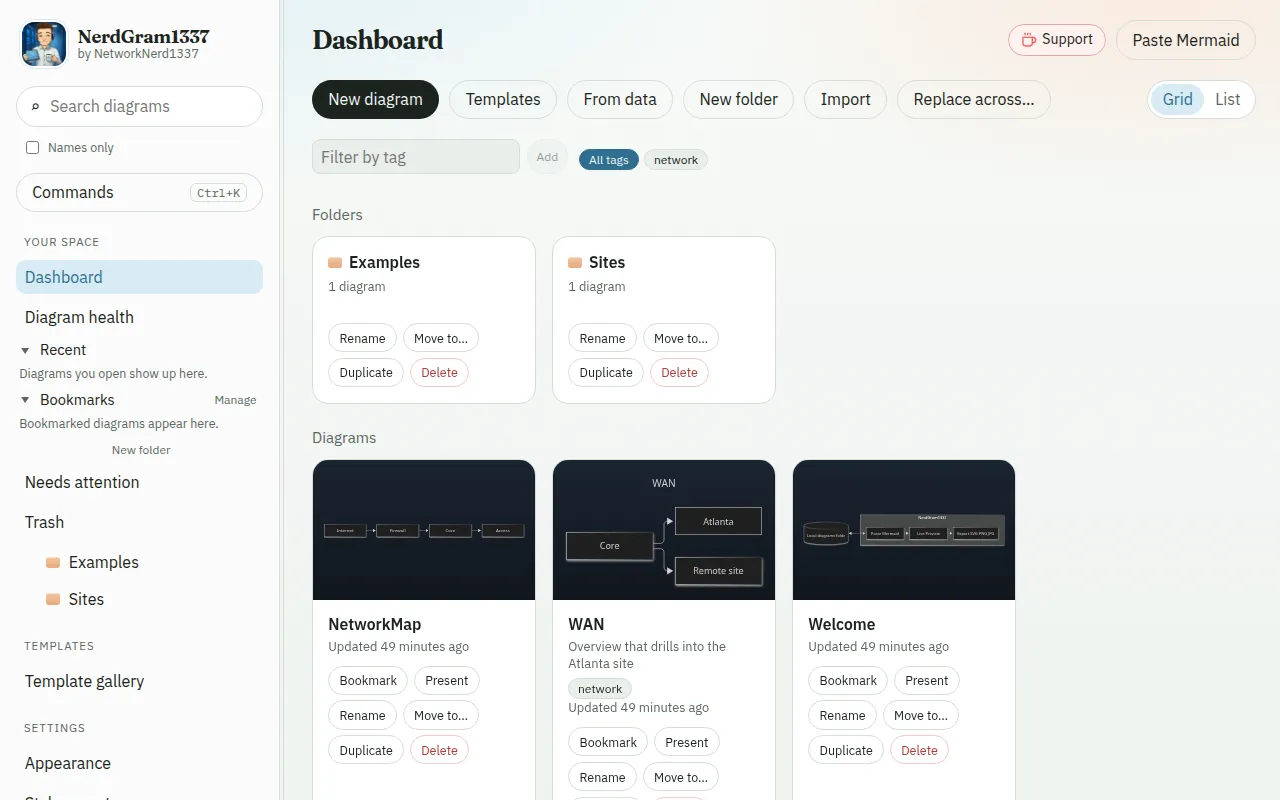
show cdp neighbors to a diagram you can trustWrite Mermaid, paste Mermaid, or open From data with a CSV, JSON, network JSON, CDP, LLDP, show ip route, or ARP and MAC paste. Auto-detect picks the format.
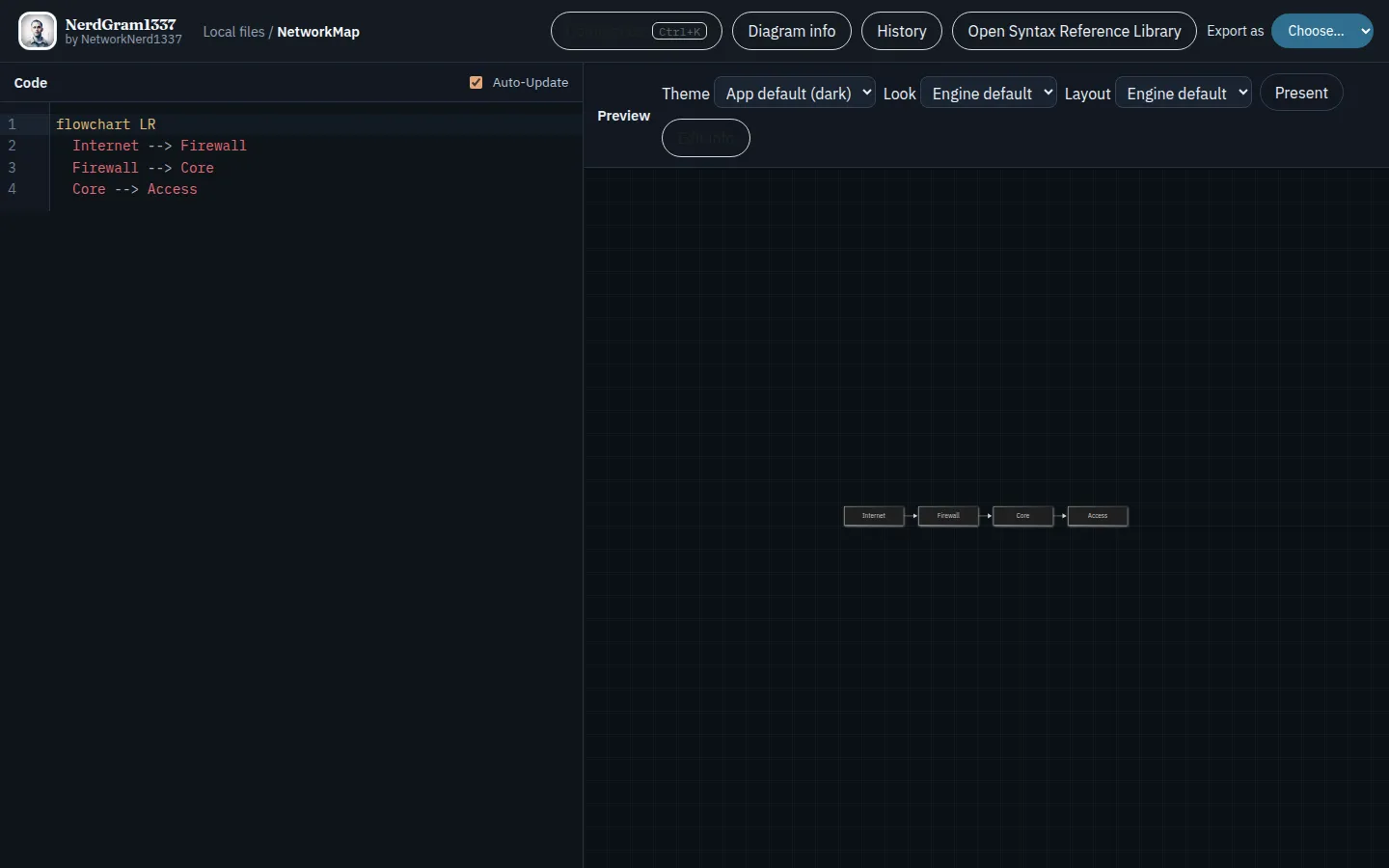
Type on one side, watch the preview render on the other. Diagram checks flag problems while you type, before they turn into a broken picture.
When the network changes, refresh from data. Hand edits outside the generated block stay put. Export SVG, PNG, JPG or PDF, or sync to a private GitHub repo you own.
// features
Everything below ships in the free, MIT-licensed app today.
.mmd filesEvery diagram is a plain Mermaid file in a folder. Diff it, search it, review it, and keep it in version control next to your configs.
CSV, JSON, network JSON, Cisco CDP, vendor-neutral LLDP, Cisco show ip route, and ARP plus MAC tables. A link seen from both ends becomes one edge.
Generated lines live between markers. Refresh shows what was added, removed or changed, and leaves your notes, styling and hand-added nodes alone.
No account, no hosted service, no paywall. It listens only on your machine by default and doesn't need the internet to edit, preview or export.
SVG, PNG, JPG and PDF. Design exports write a pyATS testbed, a containerlab, CML, GNS3 or EVE-NG lab, or an Ansible or Nornir inventory. Credentials are placeholders.
A token-protected REST API at /api/v1 for scripts and CI, the nerdgram CLI on npm, and an MCP server so a client can list, read, lint, render and update diagrams.
Bring a Visio .vsdx drawing or a Lucid CSV or JSON export in as a Mermaid flowchart, one diagram per page or just the page you pick.
See what a diagram looked like before somebody “fixed” it. Compare side by side, restore from trash, and link one diagram to another.
Turn it on and your diagrams copy to a private repository you own, using an OAuth app you register in your own GitHub account. Leave it off and nothing leaves the box.
// try it
This playground renders Mermaid right here in your browser with mermaid.js, the same engine NerdGram1337 uses. Edit the text and watch the diagram follow. The real app adds files, checks, history, data import and exports.
Loading Mermaid…
// quick start
Pick one install at a time. Both production and development want port 8787. Full details live in the install guide.
Docker is the install to use when you just want the app.
docker pull ghcr.io/networknerd1337/nerdgram1337:latestdocker run -d \
--name nerdgram1337 \
--restart unless-stopped \
-p 127.0.0.1:8787:8787 \
-e NERDGRAM_DATA_DIR=/data \
-e NERDGRAM_INSTALL=docker \
-v nerdgram-data:/data \
ghcr.io/networknerd1337/nerdgram1337:latest3 · Open http://127.0.0.1:8787. Sample diagrams are waiting for you.
Node.js is how you develop NerdGram1337, and it's also a full install when you don't want Docker. Needs Node.js 20+ and npm 10+.
git clone https://github.com/NetworkNerd1337/NerdGram1337.git
cd NerdGram1337npm run install:allnpm run dev4 · Open http://localhost:5173.
The npm package nerdgram1337 installs the nerdgram command, a client for a running NerdGram1337 app. Point NERDGRAM_URL at the app (default http://127.0.0.1:8787).
npm install -g nerdgram1337npx nerdgram1337 --helpFull command list: command-line tool docs.
// watch
A 30-second explainer of what NerdGram1337 is and why network diagrams belong in code. A fuller product demo will land here later.
Want to go deeper? The docs walk through every feature in plain language, and new walkthroughs will land on the NetworkNerd1337 YouTube channel.
// help
Install, features, data import, API, CLI, MCP, upgrades and troubleshooting.
Read the docs →Questions and ideas. Show what you've built or ask how to do something.
Start a discussion →Found a bug or want a feature? The issue forms keep it quick.
Open an issue →Report a vulnerability privately, never in a public issue.
Security policy →Yes. NerdGram1337 is MIT licensed, with no account, no hosted service, no paywall and no AI generation. If it helps you, a Ko-fi donation, a star on GitHub, or a good bug report all help.
No, unless you turn on GitHub sync. The app doesn't need the internet to edit, preview or export. The only call out to GitHub is the update check, and only when you use it.
Not really, and that's on purpose. It isn't a freeform drawing canvas: the picture comes from the text. If you need pixel-perfect placement of every icon, those tools are still great at that. NerdGram1337 is about diagrams that stay accurate and easy to update.
No. You produce the output (CDP, LLDP, routing tables, CSV, JSON) and NerdGram1337 parses it. It doesn't call NetBox, LibreNMS or pyATS, and design exports use placeholder credentials. A script or cron job can POST the data you already collect to the API.
No. Generated lines sit between %% nerdgram:generated markers. Refresh rewrites only that block. Notes, theme and anything outside the markers stay, including nodes you added by hand.
It's a local, single-user tool with no accounts or roles. Two or three people can still share a folder or one process on a network they trust. See Team use.
Not yet. A narrow window stacks the editor panes, and Present fills the window.

NerdGram1337 is a gift to the open-source community, built and maintained by NetworkNerd1337. A donation helps fund continued development and feature prioritization. A star or an issue helps just as much.
// contact
Feedback, ideas, or just want to tell me how you're using NerdGram1337? Drop a note. For bugs, a GitHub issue is the fastest way to a fix.
Email: ryan@networknerd1337.com